ZKTeco Biometric Attendance for Schools: A Setup Guide
Most schools that buy a biometric machine end up using it for staff only, and even then as a reporting device — somebody exports a file at month end and types the absences into the salary sheet. The machine works. The connection to everything else does not.
It does not have to be that way. A ZKTeco terminal can push every punch straight into your school system as it happens, so the attendance register fills itself and payroll deductions follow without anybody copying a file.
What you need before you start
- A ZKTeco terminal that supports ADMS (most models sold in Pakistan do — the menu may call it Cloud Server Setting).
- Network access from the device to your school's system.
- Ten minutes at the device's keypad, and the serial number from the sticker on its back.
Connecting the terminal
1. Point the device at your system
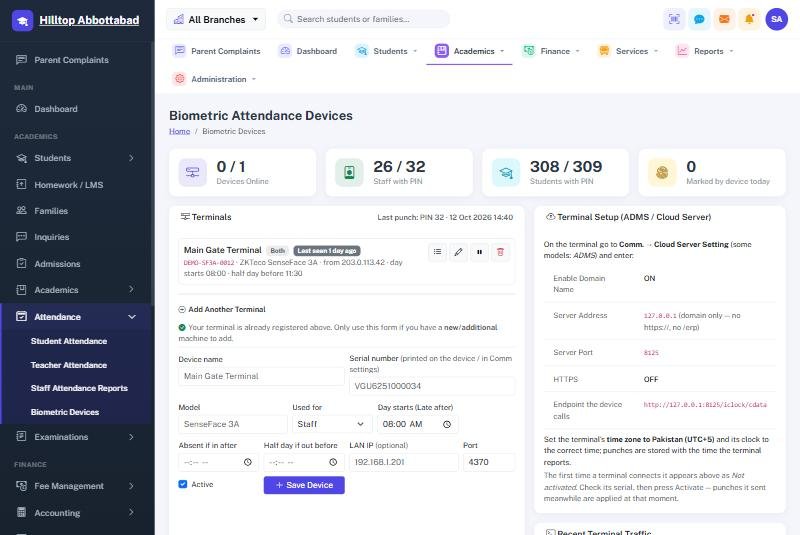
On the device, open Comm › Cloud Server Setting (or ADMS). Enter the server address and port exactly as the Biometric Devices screen in School Smart ERP shows them. Leave HTTPS off unless you have been told otherwise.
This is the whole integration. There is no software to install on a PC, no scheduled export, and no USB stick.
2. Set the clock
Set the device's time zone to Pakistan and check the clock against your phone. This sounds trivial and is the single most common cause of wrong arrival times. A terminal running twenty minutes fast will mark half your staff late, every day, until somebody notices.
3. Activate it in the system
The first time the terminal connects, it appears in your list as Not activated. Check the serial number against the sticker, then activate it.
That approval step exists for a reason: a device nobody registered cannot write into your attendance register. Anybody who points a terminal at your address gets a row in a list and nothing more.
Plan your enrolment numbers before you enrol anyone
This is the part schools get wrong and then live with for years. The number stored on the device has to mean something to the system, so decide the scheme first:
- Staff keep their existing employee PINs — a small, stable set of low numbers.
- Students are numbered from 1000 upwards, leaving room below for staff to grow.
Mixing the two ranges, or re-using a number after somebody leaves, produces attendance against the wrong person — and it is miserable to unpick six months later.
How punches become attendance
A terminal does not record attendance. It records punches: a person, a time, a device. Turning those into a school day is the system's job.
School Smart ERP keeps every punch exactly as it arrived and then folds the day together: the earliest punch is the arrival, the latest is the departure, and the status follows the late and half-day timings set against that terminal. Because the raw punches are kept, changing a timing rule later re-reads the same day correctly instead of asking you to re-enter it.
A hand-marked day always wins
If the office recorded leave for a teacher who then walked past the scanner on their way to collect something, the leave stands. A machine never overwrites a decision a human made. This single rule prevents most of the arguments that biometric attendance otherwise creates.
What it changes in practice
- The register is done before the first bell. Nobody calls out names.
- Parents hear sooner. Absent at 10, SMS at 10:05, automatically.
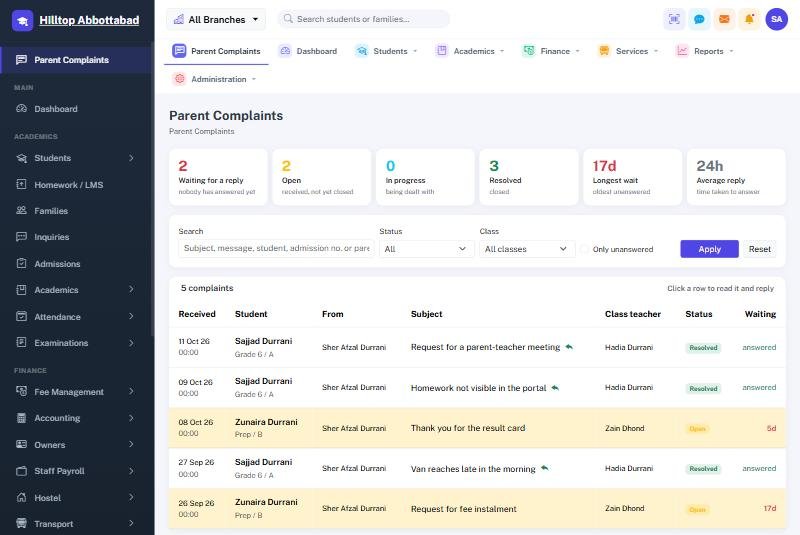
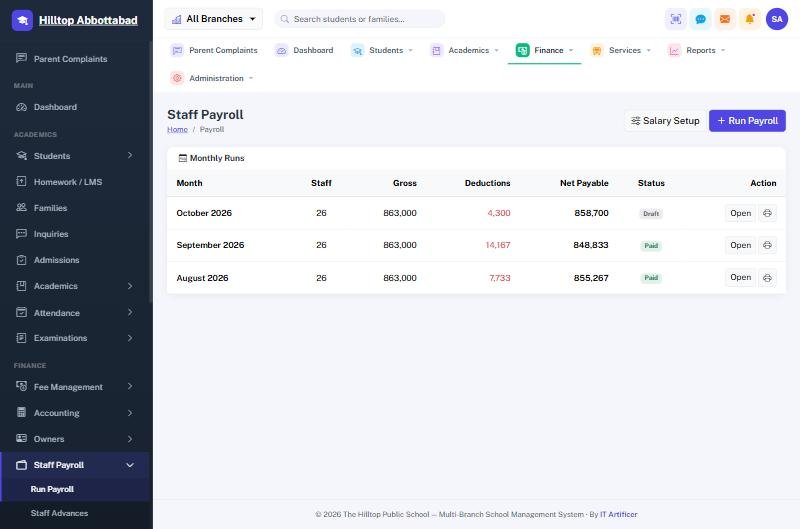
- Payroll stops being a spreadsheet. Staff absences flow into the month's salary deductions with no re-keying.
- Late arrivals become a number, not an argument. The record is the record.
Frequently asked questions
Does it work for students as well as staff?
Yes, with the same device and the same setup. Plan the numbering so the two groups never collide.
What happens if the device loses its connection?
Terminals buffer punches and send them when they reconnect, so a short network drop costs you nothing.
Can we use more than one terminal?
Yes — a gate and a staff room, or one per campus. Each is registered separately and can carry its own timings.
Do fingerprints leave the school?
The terminal stores the biometric template and sends only an enrolment number and a timestamp. Fingerprint images are not transmitted.
Where to start
If you already own a ZKTeco terminal, it very likely supports this today. Read the setup section in the manual or book a demo and we will walk through it with your device in front of you.
Run your school the smart way
Book a free demo of School Smart ERP for your school or college.
Request a Free Demo