School Accounting Software: From Fee Receipts to Profit & Loss Without Double Entry by Hand
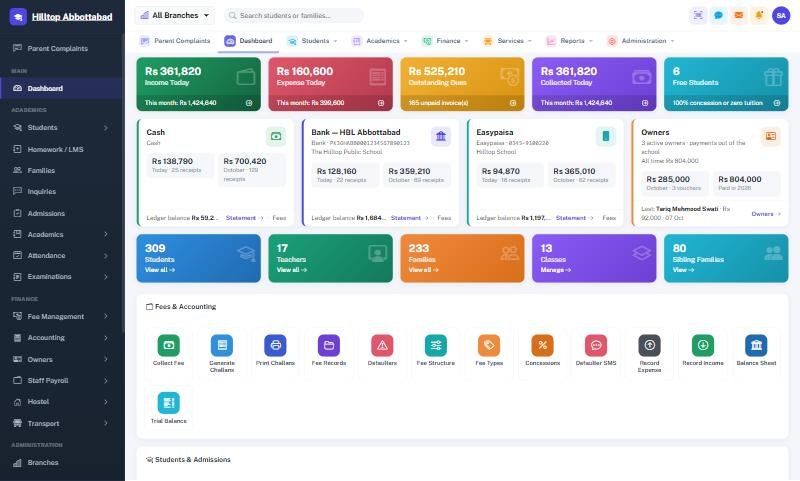
In many private schools the fee clerk keeps one record and the accountant keeps another. At the end of the month the two never quite agree, and the owner has to wait days to learn whether the school made a profit. School accounting software fixes this by making every rupee flow from one place.
The problem with separate fee and accounts records
- Fee collection is typed twice — once on the receipt, once in the cash book.
- Small differences pile up and nobody knows where they came from.
- Expenses are recorded on paper vouchers that go missing.
- Owners only see the real picture when the accountant prepares it.
What proper school accounting looks like
A real set of books, not just an income and expense list:
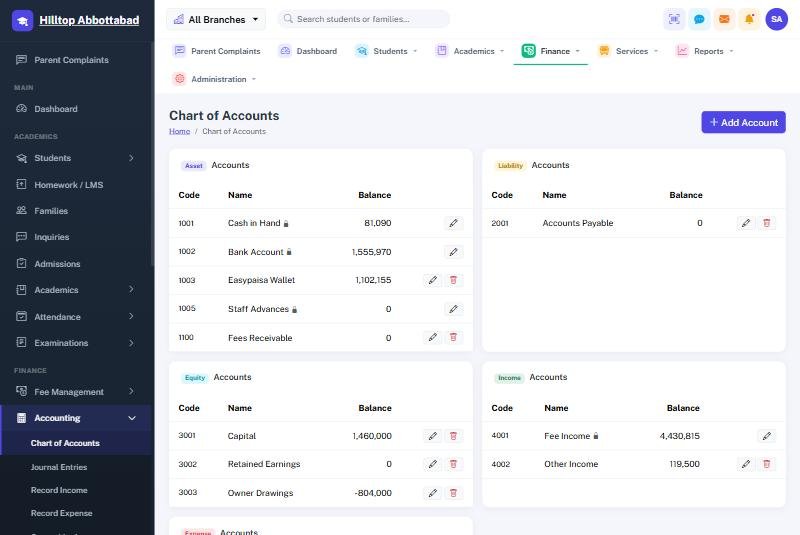
- Chart of accounts — fee income, transport income, salaries, rent, utilities, and so on, organised the way your accountant expects.
- Journal — every transaction with a date, reference and narration.
- Ledger — the running balance of every account.
- Cash book and bank book — what came in and went out of cash and each bank account.
- Trial balance — the check that debits equal credits.
- Profit & loss — income minus expenses for any period, per campus or for the whole group.
Posting automatically from fees and expenses
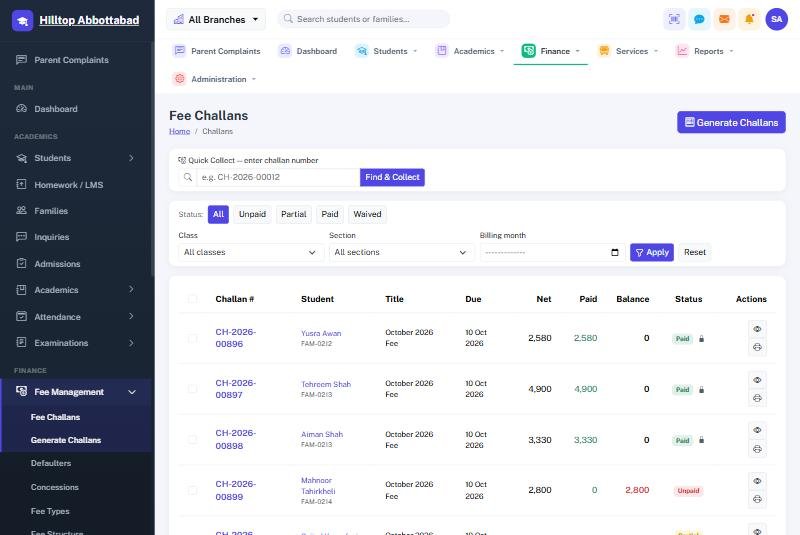
The important part is automatic posting. In School Smart ERP, when the counter issues a fee receipt the entry posts into the books by itself — to the right fee head and to cash or bank depending on how it was paid. Expenses recorded in the system post the same way. Payroll posts salaries when payslips are issued, as described in our school payroll guide.
The accountant reviews and adjusts instead of re-typing, and the fee clerk's figures and the books can never drift apart.
Reports owners actually use
- Daily collection by counter, campus and payment method.
- Monthly income vs expense with the difference highlighted.
- Profit per campus for groups with several branches — see managing multi-branch schools.
- Outstanding fees as a receivable, so you know what is still owed to the school.
Every report exports to PDF and Excel for your auditor.
Controls that prevent leakage
- Roles and permissions — the receptionist cannot edit the ledger and the accountant cannot change fee structures.
- Audit trail behind every concession and waiver.
- Fixed receipt numbering, so missing receipts are obvious — even when receipts were issued on the offline fee counter.
Frequently asked questions
Do we still need an accountant?
Yes, but their time moves from data entry to checking, planning and tax work.
Can we import our opening balances?
Yes. Opening balances for each account are entered once when you go live, and the system carries them forward.
Want to see fee receipts turn into a trial balance? Book a free demo or read the accounting documentation.
Run your school the smart way
Book a free demo of School Smart ERP for your school or college.
Request a Free Demo