SMS Alerts for Schools: Attendance, Fee Reminders and Notices That Send Themselves
An SMS still reaches parents who have no smartphone, no data package and no time to open an app. Used well, school SMS alerts improve attendance, speed up fee payment and build trust. Used badly, they become noise parents ignore. Here is how to get it right.
The alerts that matter most
1. Absence alerts
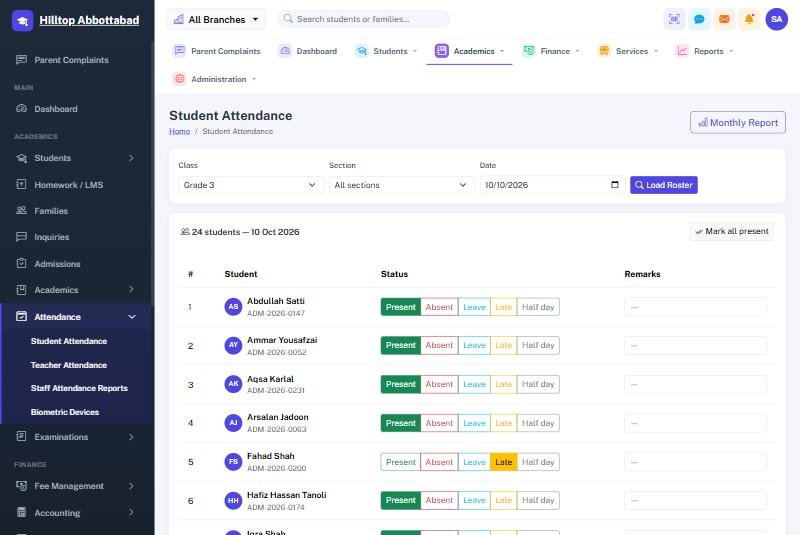
When a child is marked absent, the parent receives a message within minutes. This is the most valued alert of all, because it is about safety. A child who left home but did not arrive at school is something a parent must know immediately, not at the end of the month.
With attendance marked from a phone or captured by a biometric device at the gate, the alert can go out automatically — absent at 10, parent knows at 10:05.
2. Fee reminders
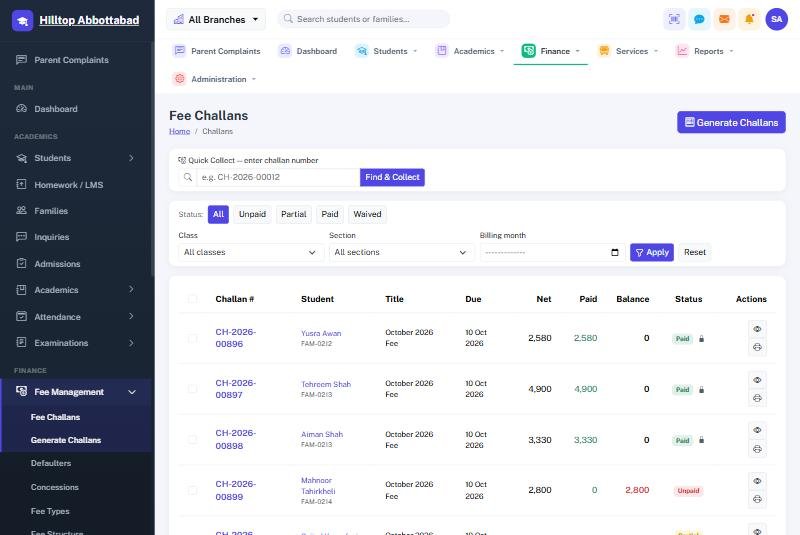
A polite reminder a few days before the due date, and another on the due date, does more for fee recovery than a phone call after the fact. Include the amount and the due date so the parent does not need to call the office.
3. Defaulter notices
For overdue balances, a firmer notice with the outstanding amount. Because the ERP knows exactly who has paid, nobody who has already paid receives a wrong reminder — the fastest way to lose parents' trust.
4. Results and monthly reports
A short message when results are published, or a monthly summary of attendance and dues, keeps parents informed without a single call to the office.
5. Notices and emergencies
Holiday announcements, early closure, weather or security closures — a message reaches every family in minutes.
Schedule once, send forever
The difference between bulk SMS and SMS automation is who has to remember. With bulk SMS, someone in the office types a message and selects a list. With automation, you set the rules once — "send an absence alert after attendance is marked", "remind on the 5th, notice on the 15th" — and the system sends them on its own, every day, every month.
Best practices that keep parents happy
- Keep it short. Student name, what happened, what to do. One SMS, not three.
- Use the school's name at the start so parents trust the sender.
- Do not over-send. Parents who receive five messages a day start ignoring all of them.
- Send at sensible hours. Not late at night.
- Write in the language parents read. Urdu or Roman Urdu often works better than English.
- Keep numbers updated. Check guardian phone numbers at every admission and promotion.
SMS or the parent app?
Both. The parent app is richer — attendance history, challans, homework, result cards and voice-note complaints. SMS is the safety net that reaches every parent. Most schools send urgent alerts by SMS and everything else through the app, which also keeps SMS costs down.
Frequently asked questions
How much do school SMS cost?
SMS is billed per message by the SMS gateway. Automating only the important alerts and moving routine updates to the app keeps the monthly bill low.
Can teachers send messages to a single class?
Yes — notices can be sent to the whole school, a class, a section or an individual family.
See SMS automations working with real attendance data — book a free demo or read the communication documentation.
Run your school the smart way
Book a free demo of School Smart ERP for your school or college.
Request a Free Demo