School ERP Implementation: Your First 30 Days, Week by Week
The decision to move to a school ERP is the easy part. The first month decides whether staff love the system or quietly go back to registers. Here is the plan we use with schools, week by week.
Before you start: pick the right moment
The best time to go live is at the start of a fee month, ideally near the new academic session. Avoid exam weeks and admission rushes. Choose one person in the school — often the admin officer or accountant — as the project owner who makes decisions and answers questions.
Week 1: Data and settings
- Collect your data in Excel: students with class, section, guardian names and phone numbers; staff with salaries; and opening fee balances.
- Clean it. Remove duplicates, fix phone numbers and spell class names consistently. Clean data saves weeks later.
- Set up the school: campuses, classes, sections, subjects and the academic session.
- Import students and staff. See switching software without losing data if you are moving from another system.
Week 2: Fees
- Define fee heads and class-wise fee structures.
- Set sibling discounts and individual concessions.
- Enter opening balances so arrears carry over correctly.
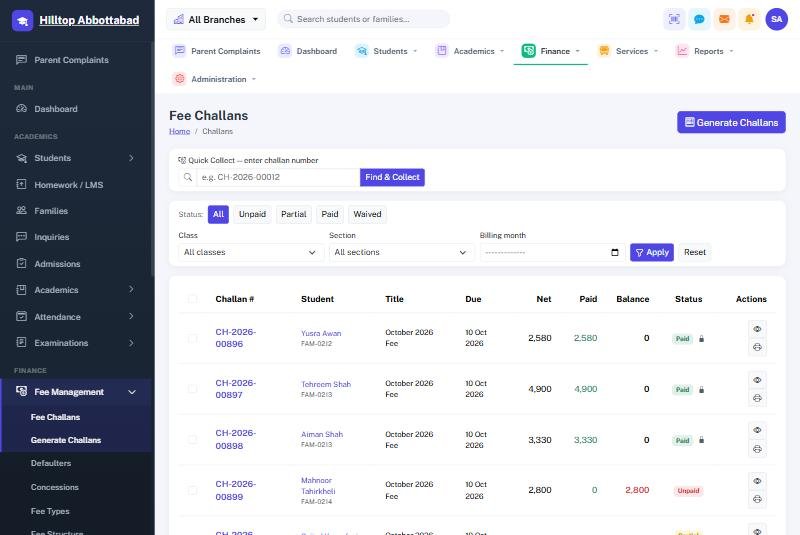
- Generate a test challan for a few families and check it against your old records line by line.
Fees are where mistakes are most visible to parents, so double-check before you print the whole school.
Week 3: Training and parallel run
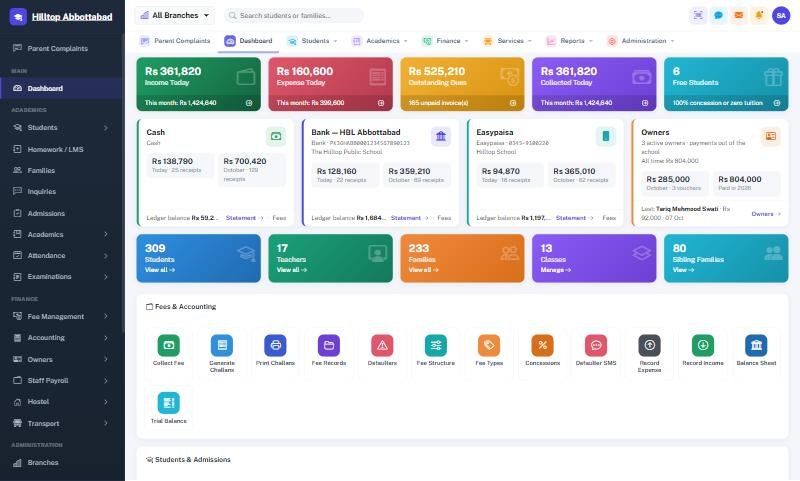
- Train by role: the fee clerk on collection and receipts, teachers on attendance and marks, the accountant on expenses and reports, the principal on the dashboard.
- Keep sessions short and hands-on, with each person using their own login.
- Run attendance on both the register and the system for a few days, then drop the register.
- Practise the offline fee counter once so the clerk knows what to do when the internet drops.
Week 4: Go live with parents
- Generate and print the month's challans from the system.
- Announce the parent app with a simple notice or SMS and help parents install it at the gate or during a parent-teacher meeting.
- Switch on the most useful SMS automations: absence alerts and fee reminders.
- At month-end, review the collection and defaulter reports with the owner.
Common mistakes to avoid
- Running two systems for months. A short parallel run is fine; a long one doubles everyone's work.
- Training only one person. When they are on leave, everything stops.
- Skipping the data clean-up. Bad phone numbers mean alerts never reach parents.
- Switching on every module on day one. Start with students, fees and attendance; add payroll, accounts and biometric in month two.
Frequently asked questions
Who does the data import?
Our team imports your data as part of migration, or guides your staff through the Excel import.
How long until the staff are comfortable?
Usually by the second fee month. Teachers are comfortable within a week; fee staff after one full collection cycle.
Planning your switch? Talk to us — we will plan your first 30 days with you.
Run your school the smart way
Book a free demo of School Smart ERP for your school or college.
Request a Free Demo