
Documentation › User Guide
13. Payroll
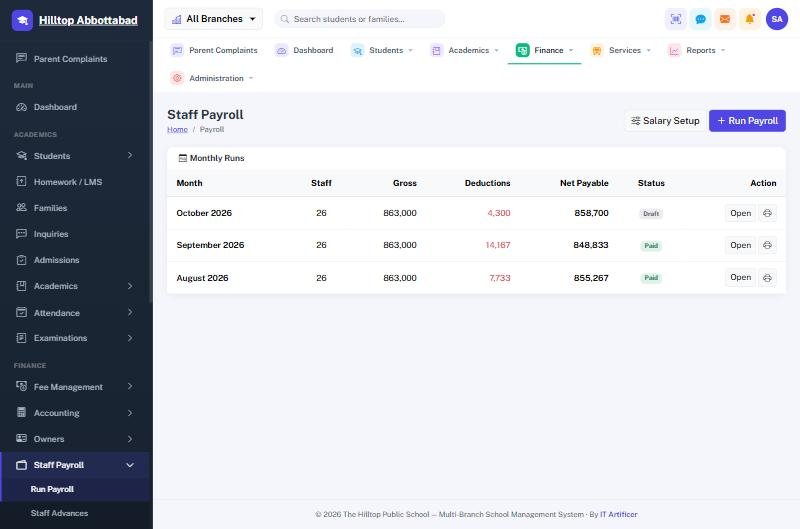
Setting salaries
Salary Setup holds each member of staff's package: the basic and the allowances that make it up, effective from a date. Changing a salary adds a new package from the date it applies, so past payslips keep the figures they were paid on.
Running the month
- Run Payroll for the month. The system builds a payslip per member of staff from their package.
- Absence deductions come from the staff attendance already marked, on a thirty-day basis.
- Add anything else by hand — a bonus, a fine, an advance recovery.
- Approve, then Mark paid when the money leaves. That is what posts it to the ledger.
- Print payslips individually or for everyone.
Advances
A loan to a member of staff is recorded under Staff Advances with its recovery plan, and each month's instalment is deducted from the payslip until it is cleared.
A paid run is frozen
Once a run is marked paid its payslips keep their figures for good, even if a salary is changed afterwards. A payslip has to match what was actually handed over.
Ready to see it live?
Book a free demo of School Smart ERP for your school or college.