
Documentation › User Guide
20. Parent & student portals
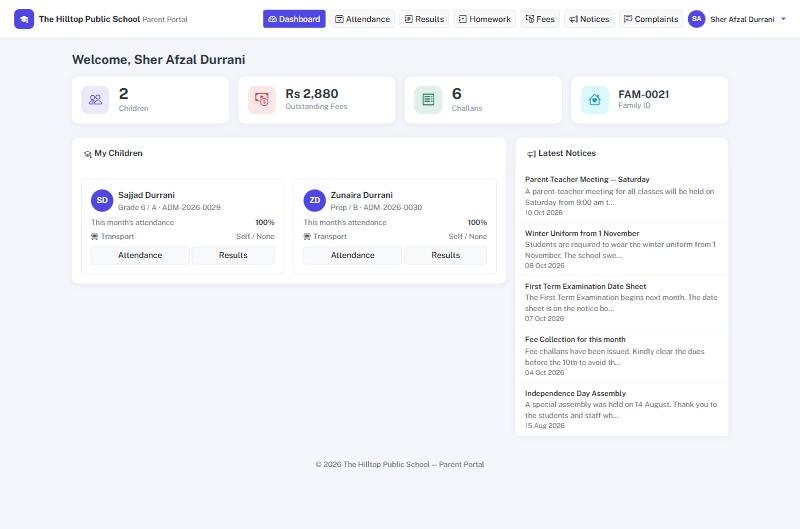
A parent with more than one child at the school signs in once and sees them all. For each child: attendance by month, results once published, homework, and the family's challans with what is paid and what is owed. Notices meant for parents appear here, and complaints are raised and answered here.
The student portal is the same thing from the child's side: their own attendance, results, homework and notices.
Accounts are created by the school — from a family's page or a student's page — never by the parent. The office keeps control of who gets access.
Ready to see it live?
Book a free demo of School Smart ERP for your school or college.